In a Headless HubSpot, You Inherit Workflows No One Watched Get Built
HubSpot is going headless. Agents build the workflows now, across every client portal you manage, and no one is watching it happen the way they used to.
When HubSpot goes headless, the building moves to agents, and in an agency the agent is driven by your own team across every client portal. The work gets faster, but no one is watching it happen the way they would have watched it being built by hand. For the agency accountable for those portals, that means workflows no one mapped, handed from one consultant to the next. Keeping control takes a read-only visibility layer that maps every workflow and connection across all your client portals and stays current as agents work.
The portal changed and nobody wrote it down
A consultant on your team sets up lead routing for a client. They describe what they want to Claude, it builds the workflows, connects the lists, wires the properties, and reports back that it is done. It is done. Nobody opened the client's portal. Three months later a different consultant picks up that account and has to work out what is running.
This is where HubSpot is heading. On November 12, co-founder Brian Halligan returned as CEO and called the move a refounding. His first line renamed the company to the Customer Harness Company, and he pointed at a vision he calls Headless HubSpot. The work moves out of the HubSpot screen into the tools your team already lives in. You ask, the agent acts, HubSpot runs underneath.
What headless changes for the agency
A harness is the software around an AI model that gives it the context and tools to get real work done instead of just answering questions. The model is the brain. The harness feeds it business data and hands it the actions it is allowed to take. HubSpot's MCP connector already lets an agent read a portal's contacts, deals, and engagement history and act on them in plain language.
The debate running on your feed is still build versus buy. A third option is settling it: describe. Your team tells the agent what the client needs, and the objects, workflows, and reports get assembled from their data. The work gets faster. What you can see after it is built does not. And this is not happening in one portal. It is happening in every portal on your roster at once.
Creation got faster, comprehension did not
In HubSpot you build one workflow at a time in the editor, and you see the rest as a list. Even that list gave your team something. Opening it, you absorbed the shape of a portal without asking: the names, the active and inactive toggles, how many there were and how fast the count was climbing. What the list never showed you was how any of it connected. Headless removes even the surface view. When the work happens through an agent, nobody opens the list, and the incidental glance is gone.
Now add speed. A consultant who builds forty workflows by hand carries a rough map of them. An agent that builds forty workflows hands back a working portal and carries none of that forward. The output is identical. The understanding that used to live in a builder's head does not exist, and the next person on the account was not in the room when the building happened.
This is not the old workflow sprawl problem, where automations piled up slowly over years and the cleanup waited for you. The headless version is faster, it happens across every portal you manage, and it happens faster than anyone writes it down. Add the portals you take over that a previous agency or admin built the same way, and you are accountable for a book of portals full of connections nobody mapped.
The risk is the connections you cannot see. HubSpot workflows connect in three ways: direct enrollment, where one workflow enrolls records into another; list-based, where a workflow depends on an active list; and property-based, where a workflow reads or writes a property that other workflows also depend on. Change one property and the blast radius runs through every workflow that touches it. A human builder had a sense of where those lines ran. An agent building headless leaves whoever picks up the account next accountable for connections they never saw made.
Visibility has to become deliberate
When the interface stops handing you visibility, you go get it on purpose. For an agency that means a layer over every client portal that answers three questions at any moment: what is running, what connects to what, and what breaks if someone changes a property.
That is what Howly is for. Howly is a read-only HubSpot app. It connects through OAuth 2.0, it is listed on the HubSpot Marketplace, and it cannot write, edit, or change anything in a portal. It reads the portal and draws the map, on any portal you connect, yours or a client's.
The workflow canvas loads a full portal in 10 to 25 seconds and shows every workflow and every connection in one view, including direct enrollments, list-based, and property-based links that are invisible when you work one record at a time. The Health Checker scores the portal from 0 to 100, the percentage of workflows free of structural issues, and flags the orphaned, stale, and empty ones. Property Impact shows the blast radius of a property change before anyone makes it. You connect unlimited client portals under one agency account, so the whole book of business sits in one place.
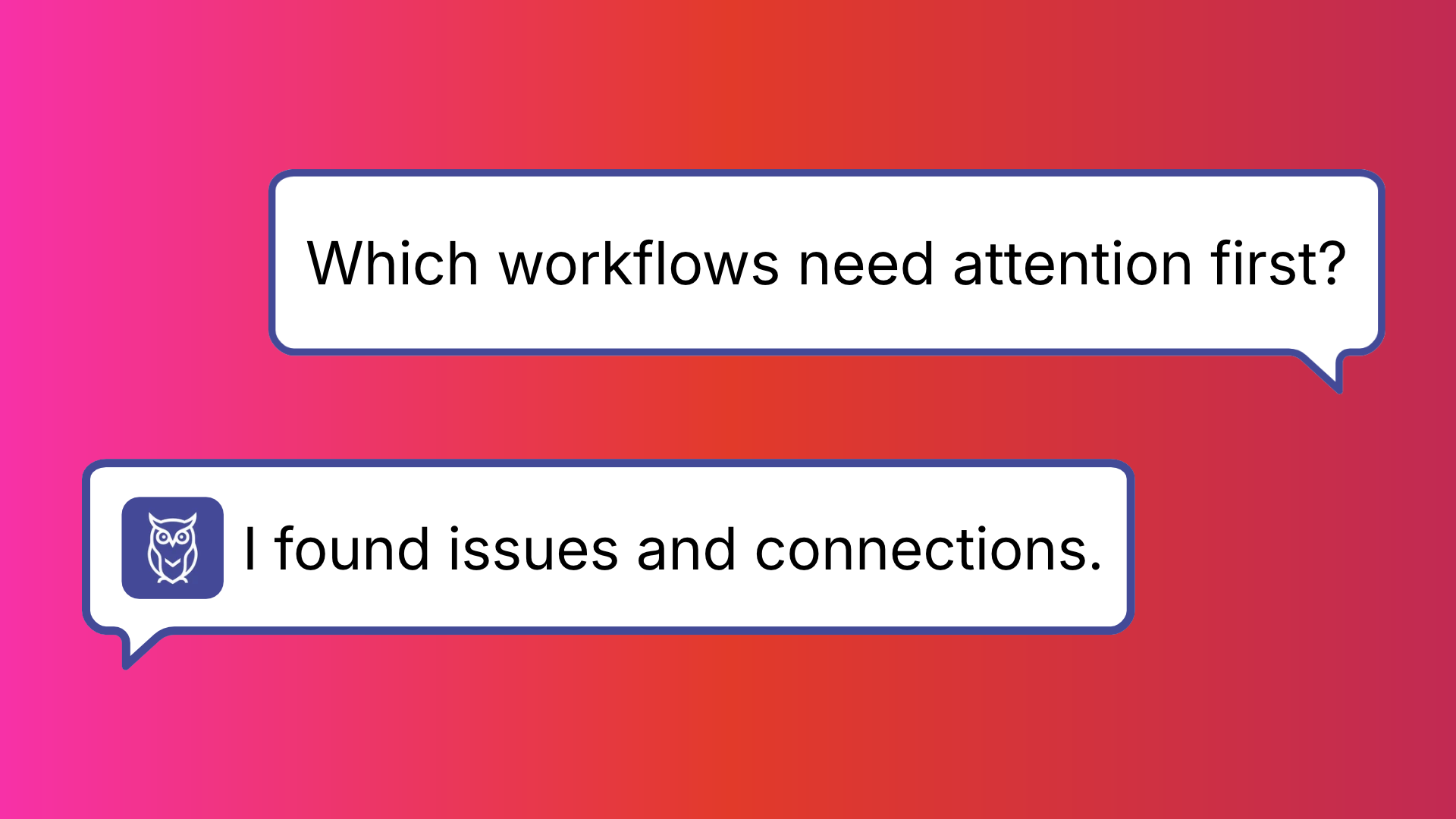
The piece that fits the headless era most directly is Ask Howly, a read-only chat assistant inside Howly that answers plain-language questions about a connected portal. Your team builds by describing what it wants, so it should be able to check the result the same way. Ask it what changed, what a workflow connects to, or to give you a cleanup plan, and it answers from the live portal. When a client asks what you actually did, the Audit Report exports the full picture, with a Client Handout preset and an Executive preset you can white-label. It is how MAVN Marketing cut its audit time on client work.
Because Howly runs its own MCP server, the map is available to the agent too, not only to you. The same assistant building in a portal can call Howly to check the connections before it changes a property. A read-only view the builder consults before it acts. Call it a harness for the harness.
Key takeaways
- Headless HubSpot moves the building to agents, driven by your own team across every client portal, so workflows get created faster than anyone documents them.
- The speed of creation went up. Your map of what runs in each portal, and what it connects to, did not come with it.
- A read-only visibility layer across all your client portals is how an agency keeps control when the building happens through an agent.
Frequently asked questions
What does headless HubSpot mean for agencies and consultants? Headless HubSpot means using HubSpot through an outside AI tool like Claude instead of the HubSpot interface. The agent connects through HubSpot's MCP connector, reads the portal, and takes actions in plain language. For an agency, the practical effect is that your own team builds and changes workflows by describing them to an agent rather than clicking through the canvas. The work gets faster, but the agent does not leave a record of what it built, and the next person on the account inherits a portal no one mapped.
How do I document a client's HubSpot workflows if an AI agent built them? Connect the portal to a read-only tool that reads the live state and maps it for you. An agent assembles workflows quickly, but it does not leave behind a map of how the direct enrollments, list-based, and property-based dependencies connect. Howly loads the full workflow map in 10 to 25 seconds, scores portal health, and exports an Audit Report you can hand to the client. You get a current record of what exists without tracing it by hand.
Can I audit multiple client HubSpot portals from one tool? Yes. Howly connects unlimited client portals under one agency account, each through its own read-only OAuth connection. You see every portal's workflow map, health score, and structural issues in one place, and you can run an audit on any of them without a separate seat or setup per client.
Is a read-only audit tool safe to connect to a client's portal? Read-only means the tool can see the portal but cannot alter it. Howly connects through OAuth 2.0, is listed on the HubSpot Marketplace, and makes no changes to any workflow, property, or record. It reads the portal to build the map and leaves everything exactly as it found it, which is what lets you connect a client's production portal with confidence.
Summary
HubSpot is refounding around agents and headless access, and that changes how a client's portal gets built. Agents do the building now, driven by your own team, across every portal you manage, and you are still accountable for what runs. The trade is visibility: when the work happens headless, workflows get built faster than anyone maps them, and handed from one consultant to the next.
The fix is to make visibility deliberate across every client you manage. Connect a portal to Howly and see the full dependency map, portal health, and the blast radius of a change before anyone makes it. The free trial runs 7 days, no credit card required.
Howly is a read-only HubSpot workflow mapping and audit tool. It maps workflow connections, flags structural issues, and shows the impact of property changes before you make them. Used by RevOps teams and HubSpot solutions partners managing complex portals at scale.
About the author
- Founder of Howly.io - I help HubSpot Admins and Agencies move from manual spreadsheets to automated workflow mapping. Building the visibility layer for the modern RevOps stack.
Comments
Join the discussionNo comments yet. Be the first to comment.